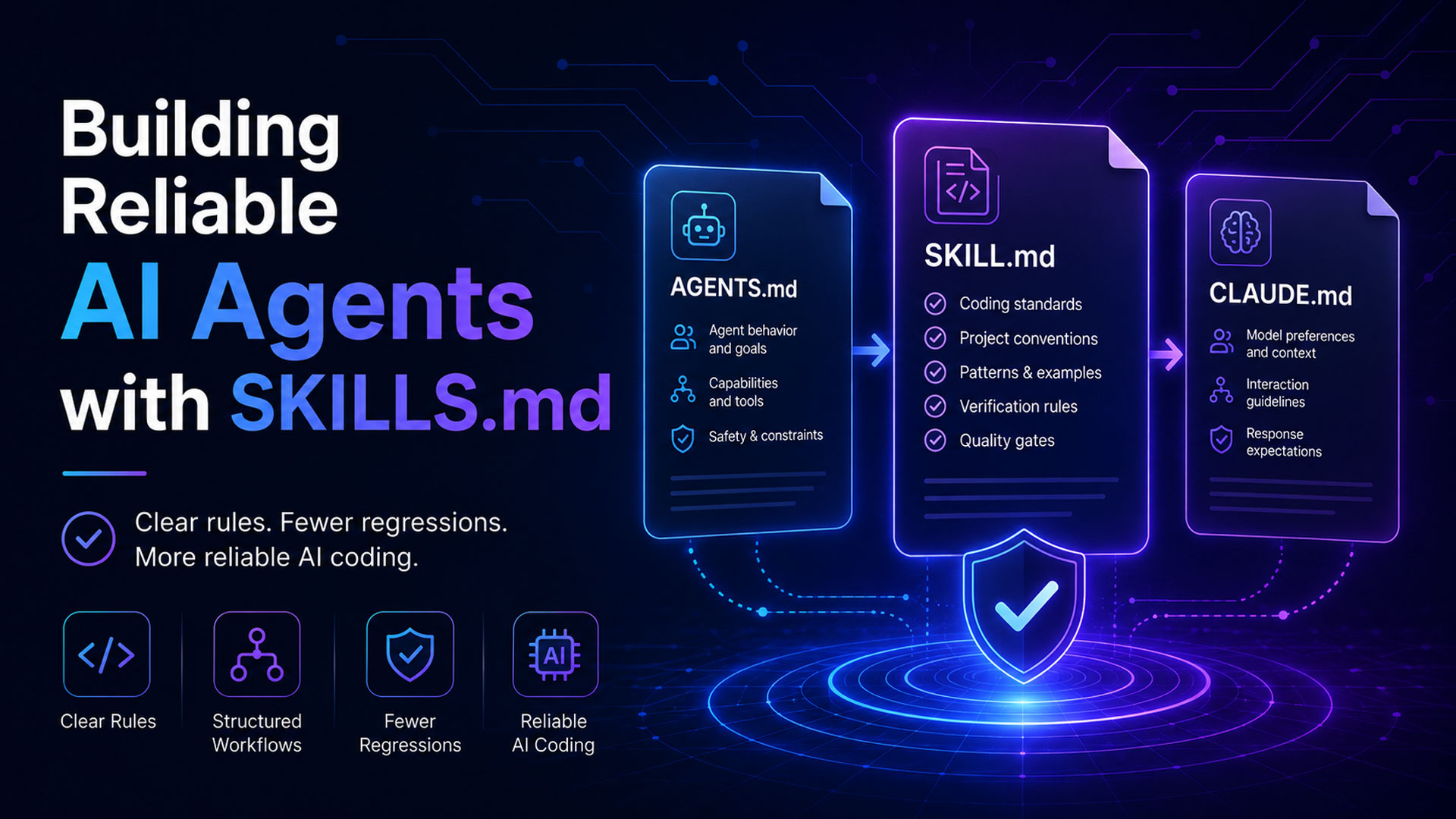
Skills files are used for building robust AI agents and to tame the AI beast. Without skills files, AI will make guesses about how projects should be built, what coding standards to follow, whether to replace existing code without asking, whether to repeat its previous actions over-and-over, or whether to rewrite existing functionality in new ways.
Skills.md files can be used with any current AI, including OpenAI Codex, Anthropic Claude, Google Gemini, and xAI Grok. They can create brand style guides, product ad rules, image generation rules, icon generation rules, layout templates, marketing design, and office documents with data. This provides better consistency, reliability, and overall lower cost (fewer tokens spent) when using AI. And if you are like me and don’t like wasting time modifying SKILLS.md files, a useful tool to use is MDCreator over at the Windows App Store.
Real World Example - Problem with Regression
Vibe coders today, whether they know it or not, will experience problems with regression. For example, certain bugs that were fixed in the past that are no longer fixed. Or features that were added in the past that are no longer part of the software.
To understand why, suppose a button in a software application does three things as required by the product designer. Now the button requires a fourth feature. So, the vibe coder asks the AI to make that button perform the function. When the AI is finished, the vibe coder tests the code and it works as expected.
However, in later testing, it was discovered that the button no longer performs the other three functions. That’s because the AI simply discarded the old methods and introduced a new method. Technically, you cannot blame the AI, in this instance, because it simply did what it was told to do and completed its task successfully.
Good Practices for Prompt Engineering and Writing Skills
Vibe coders can do many things today to reduce the likelihood of accidents and mistakes when interacting with AI using a prompt or a SKILLS.md file.
- Inquiry & Clarification: “Ask me for confirmation on key design decisions, or potentially destructive decisions, to ensure nothing is missed.”
- Iterative Design: Don’t have the AI build everything at once. Break projects down into simple manageable tasks. If you expect current AI to do too much, it will burn through a lot of tokens and may not complete the task. So, iterative agile programming is the way to go.
- Complete & Accurate Information: Be accurate and disambiguated in terminology and words. Don’t leave too much up to implied meaning. Be very specific about what you mean – including specific context, such as method name, keystrokes, or button clicks.
- Verification: Have the AI check with authoritative sources to ensure its output and conclusions are correct. Have the AI review its work and check for mistakes. Ensure the software design follows best practices.
- Rules & Procedures: Create rules for what the AI can and cannot do. Example: “Don’t modify anything outside the project folder.” “When fixing bugs, don’t modify third party code.” And include rules for what AI should always do or ask about.
Getting Started with Skills
OpenAI Codex:
For codex, it’s recommended that you create an Agents.md file, place it in the root of your project, and when issuing the prompt to create a feature or bug fix, start with:
“Use the repository AGENTS.md instructions.” – followed by the prompt.
your-project/
├── AGENTS.md
├── README.md
├── src/
├── tests/
└── ...
Anthropic Claude Code:
Project Level - Best if you have projects written in different languages or different types of projects:
your-project/
├── CLAUDE.md ← references the skill
├── .claude/
│ └── skills/
│ └── SKILL.md ← the file above lives here
└── src/
Global Level – Best if all of your programming projects are relatively the same:
~/.claude/
└── skills/
└── vibe-coding/
└── SKILL.md
Cursor:
For Cursor, each skill must be placed in its own individual folder containing a SKILL.md file. These skills are used automatically in “Agent mode” or it can be invoked by doing /skill
your-project-root/
└── .cursor/
└── skills/
└── your-skill-name/
└── SKILL.md
Google Gemini:
Currently limited to pasting the SKILLS.md files into the chat window.
xAI Grok:
Currently limited to pasting the SKILLS.md files into the chat window.
Persistent Memory
In addition to SKILLS.md files or AGENTS.md files, it’s also a good idea to create additional markdown files that enable the AI to persistently store important information about the project and current status, including features or tools in the software that should not be replicated. If it’s a research project, it could store a list of all the research that was gathered so it doesn’t continue to research the same topics. The file structure could be something like the following:
project/
SKILLS.md
PROJECT_CONTEXT.md
FEATURE_INVENTORY.md
RESEARCH_LOG.md
CHANGELOG_AI.md
DECISIONS.md
Example SKILLS.md file:
# SKILLS.md

## Before coding

- Read PROJECT_CONTEXT.md.
- Read FEATURE_INVENTORY.md before adding new features.
- Read DECISIONS.md before changing architecture.
- Read CHANGELOG_AI.md before modifying existing code.
- Do not duplicate existing utilities, services, components, or research.

## Coding rules

- Prefer extending existing components over creating new ones.
- Reuse existing helpers when available.
- Before creating a new feature, search the project for related functionality.
- When finished, update CHANGELOG_AI.md with what changed.
Example REASEARCH_LOG.md file:
# Research Log

## Completed Research

### Neuroplasticity

Already researched:

- Exercise and brain plasticity
- Skill learning and structural brain changes
- Myelination and repeated practice

Do not repeat general neuroplasticity research unless adding new peer-reviewed sources.

### Critical Thinking

Already researched:

- Socratic method
- Bloom's taxonomy
- Paul-Elder framework
- Evidence-based reasoning

Open questions:

- Compare critical thinking frameworks in education.
- Find newer research on AI-assisted reasoning.
Example CLAUDE.md:
Andrej Karpathy, who is a prominent and respected figure in the world of AI, posted some examples of skills files, including this CLAUDE.md file, at the following link:
https://github.com/multica-ai/andrej-karpathy-skills/blob/main/CLAUDE.md
# CLAUDE.md

Behavioral guidelines to reduce common LLM coding mistakes. Merge with project-specific instructions as needed.

**Tradeoff:** These guidelines bias toward caution over speed. For trivial tasks, use judgment.

## 1. Think Before Coding

**Don't assume. Don't hide confusion. Surface tradeoffs.**

Before implementing:
- State your assumptions explicitly. If uncertain, ask.
- If multiple interpretations exist, present them - don't pick silently.
- If a simpler approach exists, say so. Push back when warranted.
- If something is unclear, stop. Name what's confusing. Ask.

## 2. Simplicity First

**Minimum code that solves the problem. Nothing speculative.**

- No features beyond what was asked.
- No abstractions for single-use code.
- No "flexibility" or "configurability" that wasn't requested.
- No error handling for impossible scenarios.
- If you write 200 lines and it could be 50, rewrite it.

Ask yourself: "Would a senior engineer say this is overcomplicated?" If yes, simplify.

## 3. Surgical Changes

**Touch only what you must. Clean up only your own mess.**

When editing existing code:
- Don't "improve" adjacent code, comments, or formatting.
- Don't refactor things that aren't broken.
- Match existing style, even if you'd do it differently.
- If you notice unrelated dead code, mention it - don't delete it.

When your changes create orphans:
- Remove imports/variables/functions that YOUR changes made unused.
- Don't remove pre-existing dead code unless asked.

The test: Every changed line should trace directly to the user's request.

## 4. Goal-Driven Execution

**Define success criteria. Loop until verified.**

Transform tasks into verifiable goals:
- "Add validation" → "Write tests for invalid inputs, then make them pass"
- "Fix the bug" → "Write a test that reproduces it, then make it pass"
- "Refactor X" → "Ensure tests pass before and after"

For multi-step tasks, state a brief plan:
```
1. [Step] → verify: [check]
2. [Step] → verify: [check]
3. [Step] → verify: [check]
```

Strong success criteria let you loop independently. Weak criteria ("make it work") require constant clarification.

---

**These guidelines are working if:** fewer unnecessary changes in diffs, fewer rewrites due to overcomplication, and clarifying questions come before implementation rather than after mistakes.