OpenAI has upgraded its ChatGPT extension for Google Chrome so the assistant can use information from a user’s open tabs and act on those pages. The change gives ChatGPT a larger role in research, shopping and routine online work.
Open tabs become AI context
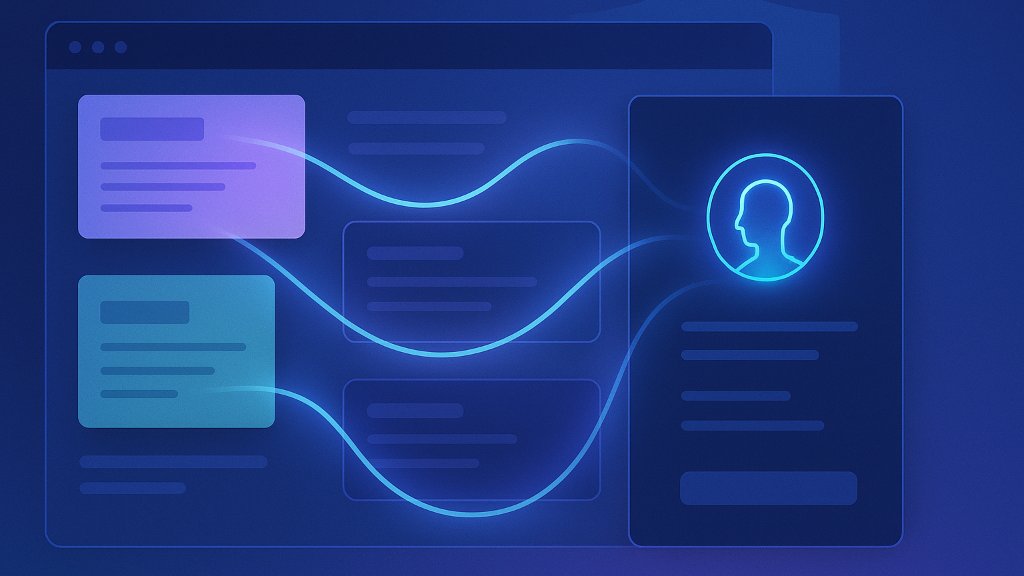
With the extension installed, users can tag Chrome in ChatGPT’s web or desktop app. OpenAI says ChatGPT can then read information from the tabs already open in the browser. The company demonstrated the feature by asking ChatGPT to compare three sofa listings. The Verge reported that OpenAI also showed examples involving vendor comparisons, event forms and contractor research.
By using several open tabs as shared context, ChatGPT can reduce the need to copy information between pages. The result still depends on the information those pages contain.
ChatGPT Work controls Chrome
OpenAI also says ChatGPT Work can control Chrome tabs for tasks such as sending messages, filling out forms, downloading files and organizing or grouping tabs. These capabilities give the assistant a more direct role in the browser instead of limiting it to written answers.
The extension adds a ChatGPT sidebar with access to Chat and Work conversations while users remain on the page they are viewing. OpenAI’s help documentation says browser features can depend on the browser, device, plan and workspace settings. OpenAI’s browser guide explains how its desktop browser and Chrome-related features differ.
Browser privacy moves center stage
Because the extension can use open pages, it may receive browsing context that includes work information or signed-in accounts. OpenAI’s documentation says users should review the active account and website before allowing browser access.
The company is moving browser-based agent features into ChatGPT and Codex after ending Atlas, its separate browser. OpenAI’s Atlas transition page says Atlas was scheduled to stop working on August 9, 2026.
Chrome becomes the focus
OpenAI is placing these features inside Chrome instead of requiring users to adopt a separate browser. The Verge compared the move with Google’s Gemini-powered browser automation, putting the two companies’ browser assistants in direct competition.
References
Bonifield, S. (2026, October 15). ChatGPT can peek at your Chrome tabs now. The Verge. https://www.theverge.com/ai-artificial-intelligence/1012510/openai-chatgpt-google-chrome-tabs
OpenAI. (n.d.). Evolving Atlas into ChatGPT for browser-based agentic work. OpenAI Help Center. https://help.openai.com/en/articles/20001371
OpenAI. (n.d.). Using the built-in browser in the ChatGPT desktop app. OpenAI Help Center. https://help.openai.com/en/articles/20001277-using-the-built-in-browser-in-the-chatgpt-desktop-app