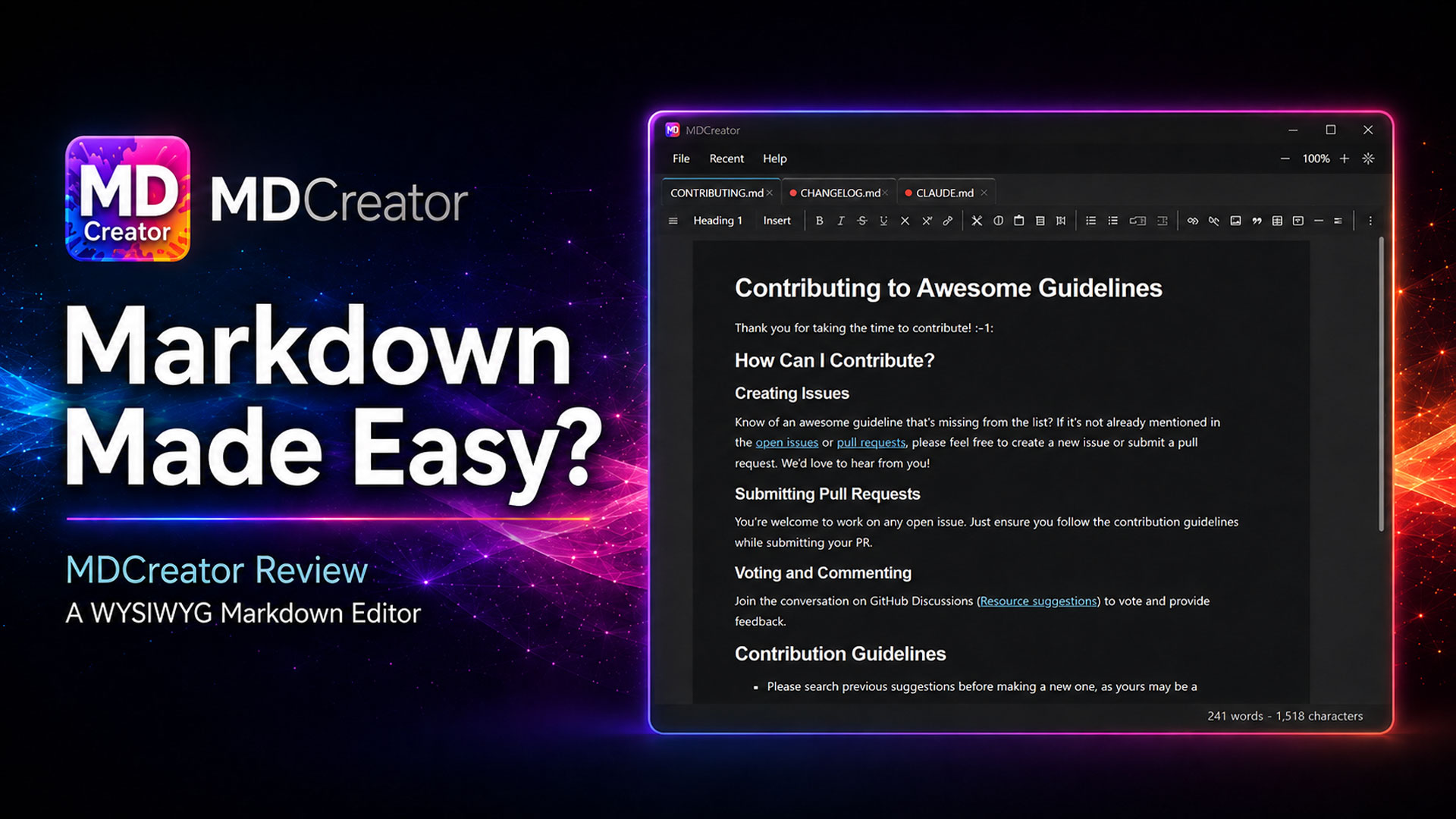
MDCreator, available at the Windows App Store, is a WYSIWYG markdown editor designed for users who want the power of markdown without having to manually write markdown syntax. Instead of switching between raw markdown and preview panes, MDCreator allows users create markdown files visually while still producing the most commonly used CommonMark and GitHub Flavored Markdown syntax.
That makes MDCreator especially useful today, when markdown files are no longer just for developers. Markdown is widely used for GitHub repositories, software documentation, README files, technical notes, AI project files, prompt libraries, and increasingly for artificial intelligence applications that rely on structured markdown documents.
Built for AI-Ready Workloads
One of MDCreator’s strongest use cases is reviewing and editing markdown files used in artificial intelligence workflows. Many AI tools, coding assistants, and developer environments rely on markdown-based documentation to explain project structure, define instructions, organize prompts, and preserve context.
Files such as README.md, CONTRIBUTING.md, documentation pages, prompt guides, and skills.md-style instruction files need to be clear, organized, and easy to maintain. MDCreator enables users review and edit those files without having to memorize markdown syntax or constantly check whether headings, lists, tables, links, and formatting are correct.
For AI applications, this is especially valuable. Well-structured markdown can make instructions easier for both humans and AI systems to read. Clear headings, tables of contents, lists, code blocks, mathematical expressions, and diagrams can all help organize information in a way that supports better documentation and more reliable AI-assisted workflows.
Additional Features
MDCreator also supports MathJax LaTeX expressions, which is ideal for users who need to include mathematical notation, formulas, equations, or technical explanations. This is useful for AI, machine learning, data science, education, engineering, and research documentation.
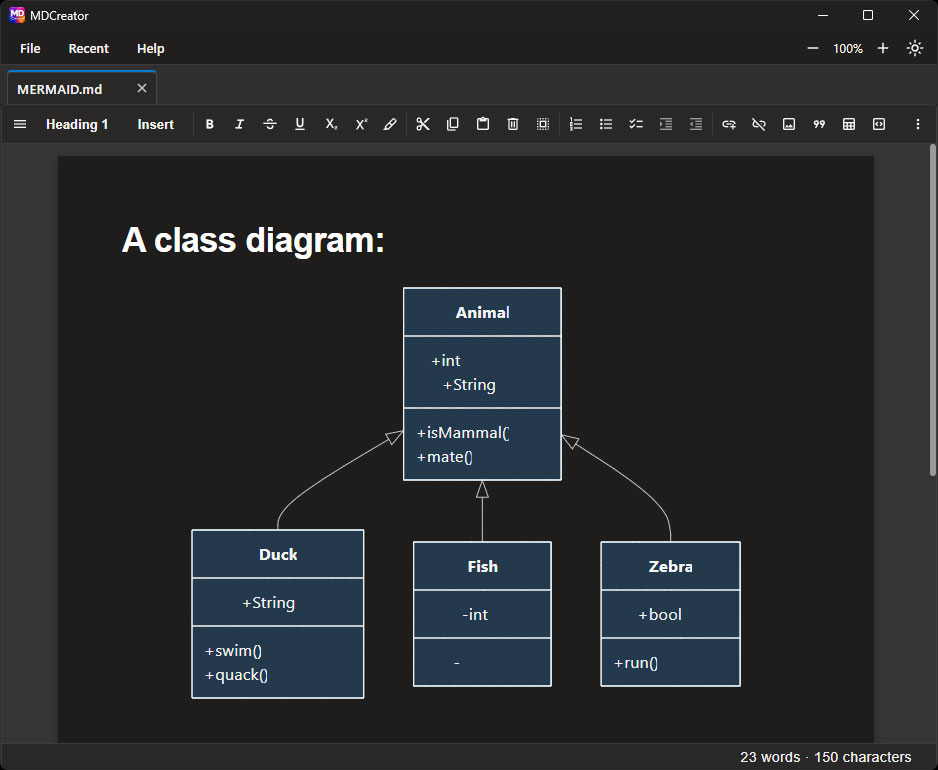
Limited support for Mermaid diagrams is also provided. Mermaid is commonly used to describe diagrams such as flowcharts, sequence diagrams, and process diagrams directly in markdown. This can be particularly helpful when creating documentation for software architecture, workflows, AI pipelines, or decision processes.
Users can open markdown files by double-clicking them, drag and drop multiple files directly into the workspace, or reopen files from recent history list.
The multi-tab layout is especially useful for documentation work. AI projects, GitHub repositories, and software documentation often involve several markdown files at once. Being able to open and move between multiple files quickly makes MDCreator feel more like a professional workspace than a simple text editor.
It also provides the ability to generate a Table of Contents on the fly. Long markdown files can become difficult to navigate, especially when they include many headings and sections. A dynamic table of contents helps users move through larger documents more easily and encourages better document organization.
Use Cases
MDCreator is a strong fit for:
- AI application documentation
skills.mdand instruction-style markdown files- GitHub README files
- GitHub documentation and repository notes
- Technical documentation
- Software project notes
- Markdown-based knowledge bases
- Educational and research content
- Math-heavy or diagram-supported documentation
- Professional
.mdand.markdownfiles
Rating: ⭐⭐⭐⭐⭐