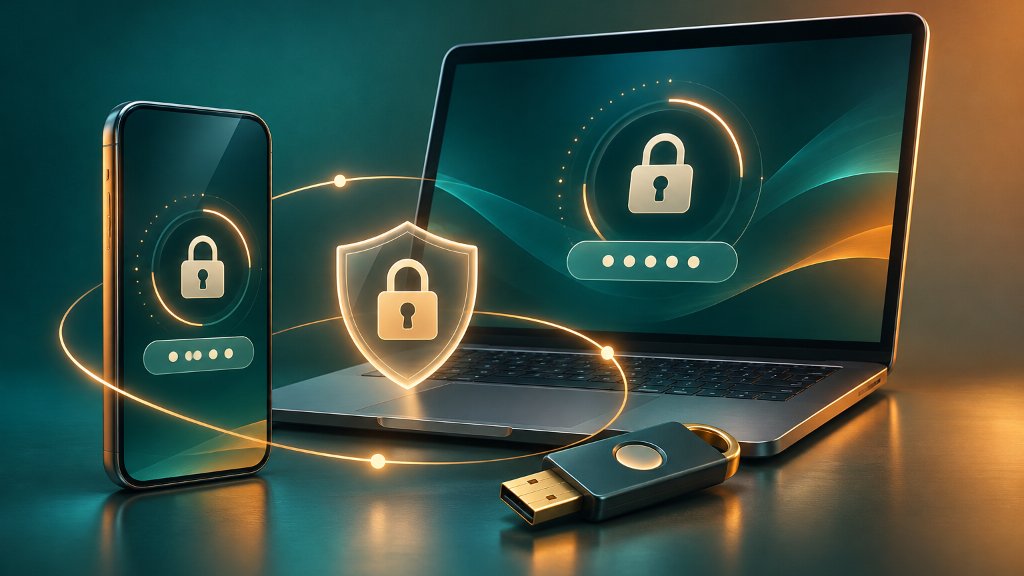
Passkeys give people a safer way to sign in to websites and apps without typing a password. They use a phone, computer, or security key together with a fingerprint, face scan, PIN, or device passcode. Because each passkey is tied to the website or app where it was created, it is designed to resist many phishing attacks that steal passwords and one-time codes.
Passkeys replace passwords
A passkey is a digital credential built on FIDO authentication standards. When you create one, your device generates a pair of cryptographic keys. The website stores a public key, while your device or passkey manager protects the private key. During sign-in, your device proves that it holds the private key without sending the key to the website. The FIDO Alliance explains that passkeys replace passwords with cryptographic credentials that can be stored on phones, computers, or hardware security keys.
Signing in usually feels familiar. You select the account and unlock your device. A fingerprint or face scan does not usually get sent to the website; it unlocks the credential locally. The FIDO Alliance says biometric information remains on the user’s device when biometrics are used with FIDO authentication.
Phishing resistance blocks theft
Passwords can be copied, guessed, reused, or entered into a fake login page. One-time codes and login approval prompts can also be captured or manipulated during some attacks. Passkeys address this problem because each one is bound to the online service domain. A fraudulent site cannot normally use a passkey created for the real site.
The Cybersecurity and Infrastructure Security Agency identifies FIDO and WebAuthn authentication as widely available phishing-resistant methods. In separate mobile security guidance, CISA says FIDO authentication is phishing-resistant and identifies passkeys as an acceptable alternative to hardware security keys. This makes passkeys especially useful for email, banking, cloud storage, social media, and other accounts that can expose personal information or enable account recovery attacks.
Personal devices protect passkeys
Because a passkey can unlock an account, create it only on a device that you own and regularly use. Google warns that anyone who can unlock a device with a passkey may be able to access the related Google Account, even if the account itself is signed out. Protect your phone and computer with a strong screen lock, and do not create passkeys on shared devices.
Passkeys may be synchronized through a password manager so they are available on more than one device. Google Password Manager can back up and sync passkeys through a Google Account. Apple says passkeys are encrypted and stored in iCloud Keychain, where they can work across approved Apple devices when iCloud Keychain and Apple Account two-factor authentication are enabled. The Google Account guidance and Apple Support guidance describe these platform-specific choices.
Before creating a passkey, confirm that you are on the real website or in the official app. A passkey can prevent a fake site from using your credential, but it cannot protect an unlocked device or an account recovery method that an attacker has already taken over.
Recovery paths still matter
Passkeys do not remove every account risk. You can lose access if your devices are lost, your passkey manager account is compromised, or an attacker takes over an email address used for recovery. Review the recovery options for important accounts and keep backup methods under your control. The FIDO Alliance notes that a security key can serve as a recovery credential if you lose access to devices holding synchronized passkeys.
Not every website supports passkeys yet, and some services may continue to offer passwords or SMS recovery. Use a unique password stored in a reputable password manager where passkeys are unavailable. For accounts that still require a second factor, CISA says authenticator codes are better than SMS but remain vulnerable to phishing. FIDO-based authentication is the widely available option specifically designed to resist phishing.
References
Apple. (n.d.). Use passkeys to sign in to websites and apps on iPhone. Apple Support. https://support.apple.com/en-gb/guide/iphone/iphf538ea8d0/26/ios
Cybersecurity and Infrastructure Security Agency. (2023, January). Implementing phishing-resistant multifactor authentication. https://www.cisa.gov/sites/default/files/publications/fact-sheet-implementing-phishing-resistant-mfa-508c.pdf
Cybersecurity and Infrastructure Security Agency. (2024, December). Mobile communications best practice guidance. https://www.cisa.gov/sites/default/files/2024-12/guidance-mobile-communications-best-practices.pdf
FIDO Alliance. (n.d.). Passkeys. https://fidoalliance.org/passkeys/
FIDO Alliance. (n.d.). User authentication specifications overview. https://fidoalliance.org/specifications/
Google. (n.d.). Sign in with a passkey instead of a password. Google Account Help. https://support.google.com/accounts/answer/13548313?hl=en