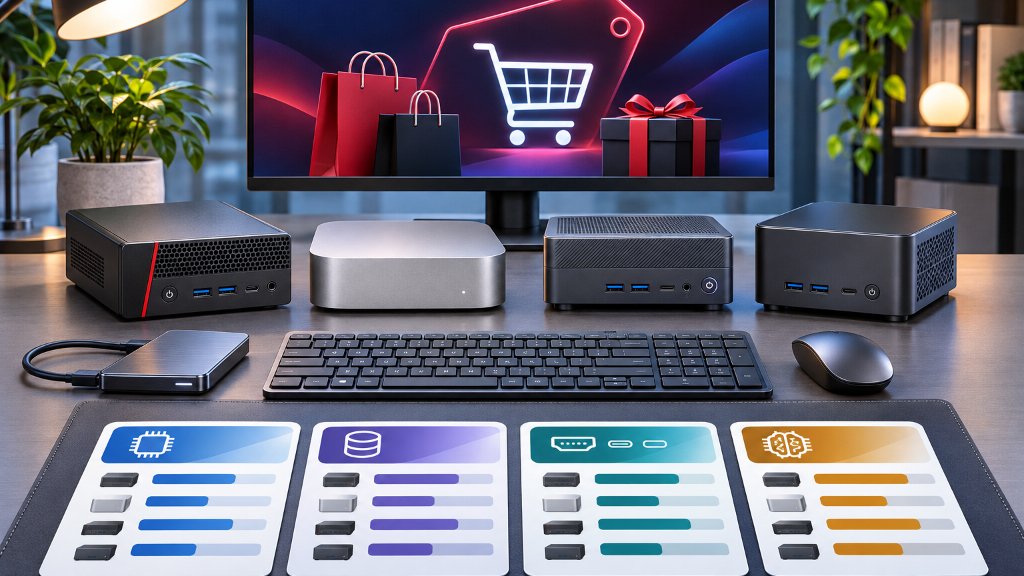
Mini PCs are receiving strong attention during the 2026 Black Friday shopping weekend. Current listings include compact desktops from Lenovo, Apple, Acer, Geekom, and other brands. Buyers should compare the hardware before focusing on the discount.
Match hardware to workload
Start with the work you expect the computer to perform. Office apps, web browsing, video calls, and streaming need less power than video editing or gaming. A midrange processor suits many home and office users. Faster processors help when several demanding apps run at once.
Memory affects how many apps can stay open. The Windows 11 minimum is 4GB. That amount is not a practical target for a new computer. A mini PC with 16GB is a stronger choice for everyday work. Buyers who edit video, run virtual machines, or use local AI models should consider 32GB or more.
Storage also matters. Microsoft lists 64GB as the minimum storage requirement for Windows 11. That leaves little room for apps, updates, and personal files. A 512GB solid-state drive is a more useful starting point. A 1TB drive gives more space for photos, games, and large projects. Microsoft also requires TPM 2.0 for supported Windows 11 systems. Microsoft's Windows 11 requirements explain these limits.
Check graphics and AI features
Integrated graphics suit office work and many media tasks. They share system memory with the processor. Dedicated graphics provide more power for games, 3D work, and advanced video editing. They also make the computer larger, louder, and more expensive.
AI branding needs closer inspection. An AI PC may include a neural processing unit, or NPU. An NPU handles some AI tasks using less power than the main processor. Microsoft defines Copilot+ PCs as systems with an NPU capable of more than 40 trillion operations per second. That category also requires additional hardware. Microsoft's Windows 11 specifications describe the Copilot+ requirements.
NPU performance does not guarantee that every AI application will run locally. Software must support the processor and its AI framework. Local language models also need enough memory. A compact computer with 16GB may run smaller models. Larger models usually need more memory and faster graphics.
Compare ports and upgrades
Port selection can determine whether a mini PC fits your desk. Look for the display connections your monitors use. HDMI and DisplayPort are common choices. USB-C can support data, displays, or charging. Those functions vary by model.
Network options deserve attention too. Gigabit Ethernet is enough for most homes. A 2.5Gb Ethernet port helps users who move large files across a fast network. Wi-Fi 6E and Wi-Fi 7 can improve wireless performance. The router must support those standards.
Upgrade access is another important difference. Some mini PCs let owners replace memory or add another solid-state drive. Others use soldered memory that cannot be changed. Check the product listing before buying.
Best Buy's current best-selling list includes different memory and storage configurations. It lists a Lenovo Yoga Mini with 16GB of memory and 512GB of storage. It also lists an Apple Mac mini with 16GB of memory and 256GB of storage. Best Buy's mini PC list shows the configurations and current prices.
Read the deal details
A large discount can hide an older processor, limited storage, or a barebones system. Barebones models may ship without memory, storage, or an operating system. Their low prices do not represent the final cost.
Current Black Friday listings show a wide range. DealNews reported a Lenovo Yoga Mini with 16GB of memory and 512GB of storage at $600. It also listed lower-priced models near $199. These prices can change quickly. DealNews' current mini PC roundup identifies the sale dates and listed configurations.
Independent testing can reveal details that product pages omit. Reviewers often measure fan noise, sustained performance, ports, and upgrade access. TechRadar's 2026 mini PC guide covers systems for office work, gaming, content creation, and local AI. Its buying guide also compares memory, storage, graphics, and connectivity.
The best Black Friday mini PC is not always the cheapest model. Choose the processor, memory, storage, and ports that match your work. Then confirm the operating system, warranty, upgrade options, and final price. Those checks matter more than the percentage shown on the sale label.
References
Best Buy. (n.d.). Best-selling mini PCs. Retrieved November 28, 2026, from https://www.bestbuy.com/discover/best-selling/best-selling-mini-pcs/pcmcat1594754368122
Coombes, L. (2026, November 28). Best Black Friday mini PC deals 2026. Tom's Guide. https://www.tomsguide.com/computing/mini-pcs/black-friday-mini-pc-deals-november-28-2026
DealNews. (2026, November 28). Best Buy Black Friday mini PC deals: Up to 57% off. https://www.dealnews.com/Best-Buy-Black-Friday-Mini-PC-Deals-Up-to-57-off-free-shipping/22438047.html
Microsoft. (n.d.). Windows 11 requirements. Microsoft Learn. Retrieved November 28, 2026, from https://learn.microsoft.com/en-us/Windows/whats-new/windows-11-requirements
Microsoft. (n.d.). Windows 11 specifications. Retrieved November 28, 2026, from https://www.microsoft.com/en-us/windows/windows-11-specifications
TechRadar. (2026, November 24). Best mini PCs of 2026: Compact desktop power for business, creative, and gaming setups. https://www.techradar.com/best/mini-pcs