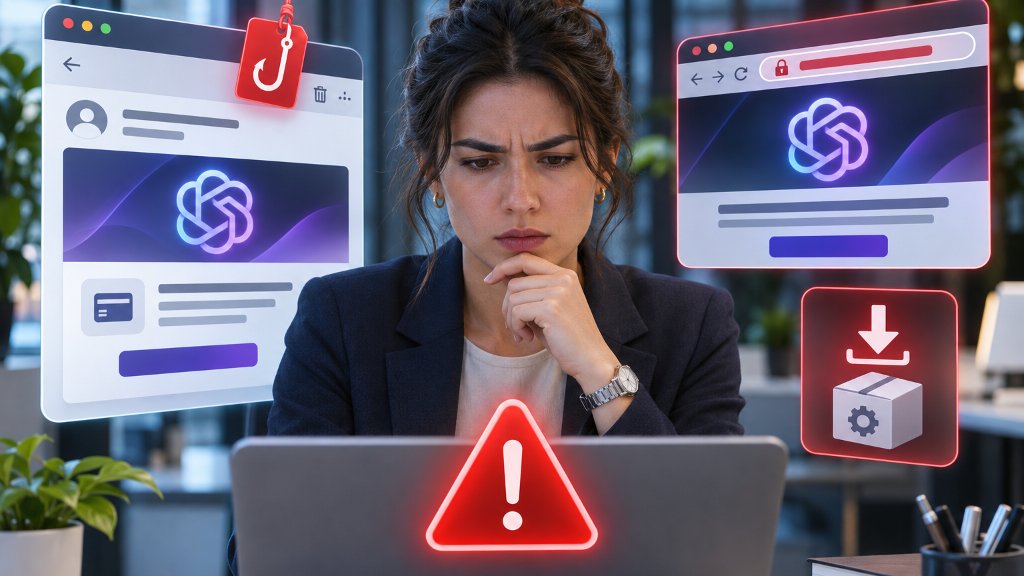
Scammers are using popular AI brands to make phishing messages look familiar and urgent. A fake payment notice, account warning, or plugin offer can steal card data, passwords, or account access.
AI brands are the bait
Microsoft reported campaigns that impersonated ChatGPT, Microsoft Copilot, DeepSeek, and Claude. The campaigns used email, search results, malicious ads, fake downloads, and lookalike websites. Microsoft said these campaigns did not represent a compromise of the real AI services. Attackers were abusing their names and logos instead. (Microsoft Threat Intelligence)
One ChatGPT-themed campaign urged people to update their payment method. Microsoft observed as many as 100,000 related emails in one day. The fake pages collected names, addresses, card numbers, expiration dates, and security codes.
Other campaigns offered fake AI software. Microsoft found a fake Windows plugin that delivered the Vidar information-stealing malware. It also found fraudulent DeepSeek installers shared through GitHub. These files could install malware on the device.
Recognize the warning signs
AI-themed scams often follow familiar patterns. The technology name is new, but the pressure tactics are not.
- Urgent payment requests: The message claims your subscription will change unless you act quickly.
- Account enforcement threats: The message says your account broke a policy and needs an appeal.
- Unexpected attachments: A PDF or document promises account details, an appeal form, or a new feature.
- Unfamiliar website addresses: The page uses a brand logo but has a strange domain.
- Fake verification screens: A CAPTCHA or security check appears before the page shows its real content.
- New software offers: An ad or search result promotes an AI plugin, installer, or browser extension.
Microsoft also found phishing kits that use fake CAPTCHA gates. These gates can block automated security analysis. They can also make a harmful website seem more legitimate. (Microsoft Security Blog)
Verify before you click
- Pause when the message creates pressure. Do not let a countdown, payment warning, or account threat make the decision for you.
- Open the service directly. Type the known website address or use the official app. Do not use the message link.
- Check the sender and domain. A familiar display name does not prove that the message came from the real company.
- Reject unexpected downloads. Do not install an AI plugin or extension because an advertisement recommends it.
- Confirm unusual requests separately. Contact the company through its official support page. Do not reply to the suspicious message.
The Federal Trade Commission warns that fake CAPTCHA pages can lead people toward malware. Its consumer guidance also covers phishing messages that request personal or financial information. (Federal Trade Commission)
Limit the damage
Use a different long password for every important account. A password manager can create and store unique passwords. Turn on multifactor authentication wherever it is available.
Prefer passkeys for accounts that support them. Microsoft also recommends multifactor authentication for protection against phishing. Keep your operating system, browser, and security software current. Use official app stores and the vendor’s own download page for new software.
If you entered payment details, contact your card provider quickly. Review recent transactions and ask about replacement options. If you entered a password, change it from the real service website. Change it anywhere else that reused the same password.
Report suspicious messages through the email or messaging service. You can also report scams to the FTC. Fast reporting can help providers identify related campaigns.
Expect more trusted brands
AI services are likely to remain useful phishing themes. Microsoft said attackers are combining familiar branding with redirects, fake verification pages, and malicious downloads. The same pattern can affect consumers, schools, and workplaces.
The safest habit is simple. Treat unexpected AI-related messages as untrusted until you verify them outside the message. A trusted logo is not proof of a trusted sender.
References
Federal Trade Commission. (2026, September 3). Phishing scams. Consumer Advice. https://consumer.ftc.gov/all-scams/phishing-scams
Lefferts, R. (2026, September 10). Detect and disrupt AI-themed attacks with Microsoft Defender. Microsoft Security Blog. https://www.microsoft.com/en-us/security/blog/2026/09/10/detect-and-disrupt-ai-themed-attacks-with-microsoft-defender/
Microsoft Threat Intelligence, & Microsoft Defender Security Research Team. (2026, June 8). AI brands as bait: How threat actors are using the AI hype in social engineering. Microsoft Security Blog. https://www.microsoft.com/en-us/security/blog/2026/06/08/ai-brands-as-bait-how-threat-actors-are-using-the-ai-hype-in-social-engineering/
Microsoft Threat Intelligence, & Microsoft Digital Crimes Unit. (2026, October 14). The hidden network: Inside the phishing infrastructure ecosystem powering global cybercrime. Microsoft Security Blog. https://www.microsoft.com/en-us/security/blog/2026/10/14/the-hidden-network-inside-the-phishing-infrastructure-ecosystem-powering-global-cybercrime/