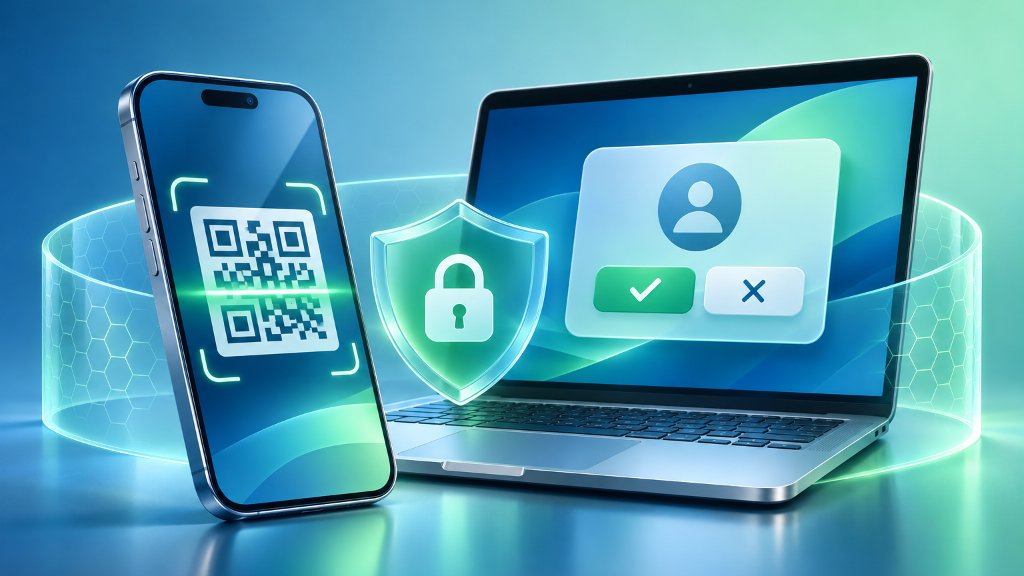
Phishing scams are moving beyond ordinary fake login pages. Attackers now hide harmful links in QR codes, fake CAPTCHA screens, calendar invitations, and account-permission requests. These methods can steal passwords, session access, personal data, or money. The safest response is to slow down, verify unexpected requests through an official app or website, and avoid granting access to unfamiliar services.
QR Codes Leave the Inbox
QR-code phishing, also called quishing, hides a malicious website address inside an image. The image may arrive in an email attachment, appear on a parking meter, or be printed on a sign. Because the link is inside the image, some email defenses have difficulty inspecting it. A victim may scan the code with a personal phone, outside the security controls used on a work computer.
Microsoft reported that Defender for Office 365 detected more than 145 million QR-code phishing attacks between July 2025 and June 2026. The company said the attacks reached an all-time high in March 2026. The Federal Trade Commission has also warned that criminals may cover legitimate parking-meter QR codes with replacements that lead to fake payment pages. (Microsoft Digital Defense Report 2026; Federal Trade Commission phishing guidance)
Fake CAPTCHAs Hide the Attack
CAPTCHA pages normally ask users to prove that they are human. Attackers now use fake CAPTCHA screens to hide credential-stealing pages or malware downloads. The page may look routine, but the supposed verification can lead to harmful software or a fake sign-in page.
Microsoft detected more than 100 million phishing attacks that used CAPTCHA pages as an intermediary between July 2025 and June 2026. The FTC separately reported a rise in CAPTCHA scams in which the supposed verification process can lead to malware. A CAPTCHA that appears after an unexpected email, text, advertisement, or calendar invitation deserves the same suspicion as an unexpected password request. (FTC Consumer Advice)
Consent Screens Can Grant Access
Some phishing attacks do not ask for a password. The FBI has warned about OAuth consent phishing, in which a malicious application requests permission to access an account. OAuth is a common system that lets one service connect to another without sharing the account password with that service.
A deceptive message may invite someone to review a shared file, confirm an event, or verify an identity. The link can lead to a real-looking permission screen from a legitimate provider. If the user approves the request, the attacker may read or send email and access other data without knowing the password. The FBI said changing the password alone may not remove this access because the malicious application can retain an authorization token until the user revokes the permission in the account's security settings. (FBI Internet Crime Complaint Center advisory)
Safer Checks on Current Phones
When a message creates urgency, do not use its QR code, link, phone number, or attachment to investigate. Open the organization's official app or type its known web address yourself. For payment requests, verify the transaction through the account that normally handles it. For an invitation or shared document, contact the sender through a separate channel.
Review the name and requested permissions on every application-consent screen. An unfamiliar publisher, an application name that imitates a trusted service, or a request for broad access to email, contacts, files, or messages is a warning sign. Google says its mobile defenses include scam warnings in Google Messages and Phone by Google, but those warnings are an additional safeguard, not proof that an unflagged message is safe. Google also advises users to avoid scanning unexpected QR codes and to be cautious with finance applications that request access to contacts, photos, or SMS history. (Google's June 2026 Scams Advisory)
If you approved a suspicious permission request, open the affected account's security or connected-apps page and remove access for the unfamiliar application. Then change the affected password, review recent sign-ins and account activity, and contact the provider's fraud team if financial information was involved. NIST recommends reporting suspected phishing and using phishing-resistant multifactor authentication where it is available. (NIST phishing guidance)
Keep screenshots of suspicious messages and report serious incidents to the FBI's Internet Crime Complaint Center at IC3.gov. The FTC also accepts reports at ReportFraud.ftc.gov. Reporting does not undo a compromise, but it can help investigators identify campaigns that target other people.
References
- Federal Trade Commission. (2026, June 8). How to spot a CAPTCHA scam. Consumer Advice. https://consumer.ftc.gov/all-scams/phishing-scams
- Internet Crime Complaint Center. (2026, September 1). Malicious cyber actors gain access to victim accounts through consent phishing. https://www.ic3.gov/PSA/2026/PSA260901
- Microsoft. (2026). Microsoft Digital Defense Report 2026: Decoding emergence. https://www.microsoft.com/en-us/corporate-responsibility/topics/cybersecurity/reports/microsoft-digital-defense-report/
- National Institute of Standards and Technology. (2026, October 16). Phishing. https://www.nist.gov/itl/smallbusinesscyber/guidance-topic/phishing
- Richardson, L. (2026, June 8). Our latest fraud and scams advisory. Google. https://blog.google/innovation-and-ai/technology/safety-security/fraud-scams-advisory-june-2026/